Summaries built on the device
Logos reads the Apple Health, Calendar and Reminders data you allow and prepares your daily wellness and planning context on your iPhone. See how Apple Health AI summaries are built.
 Logos
Logos
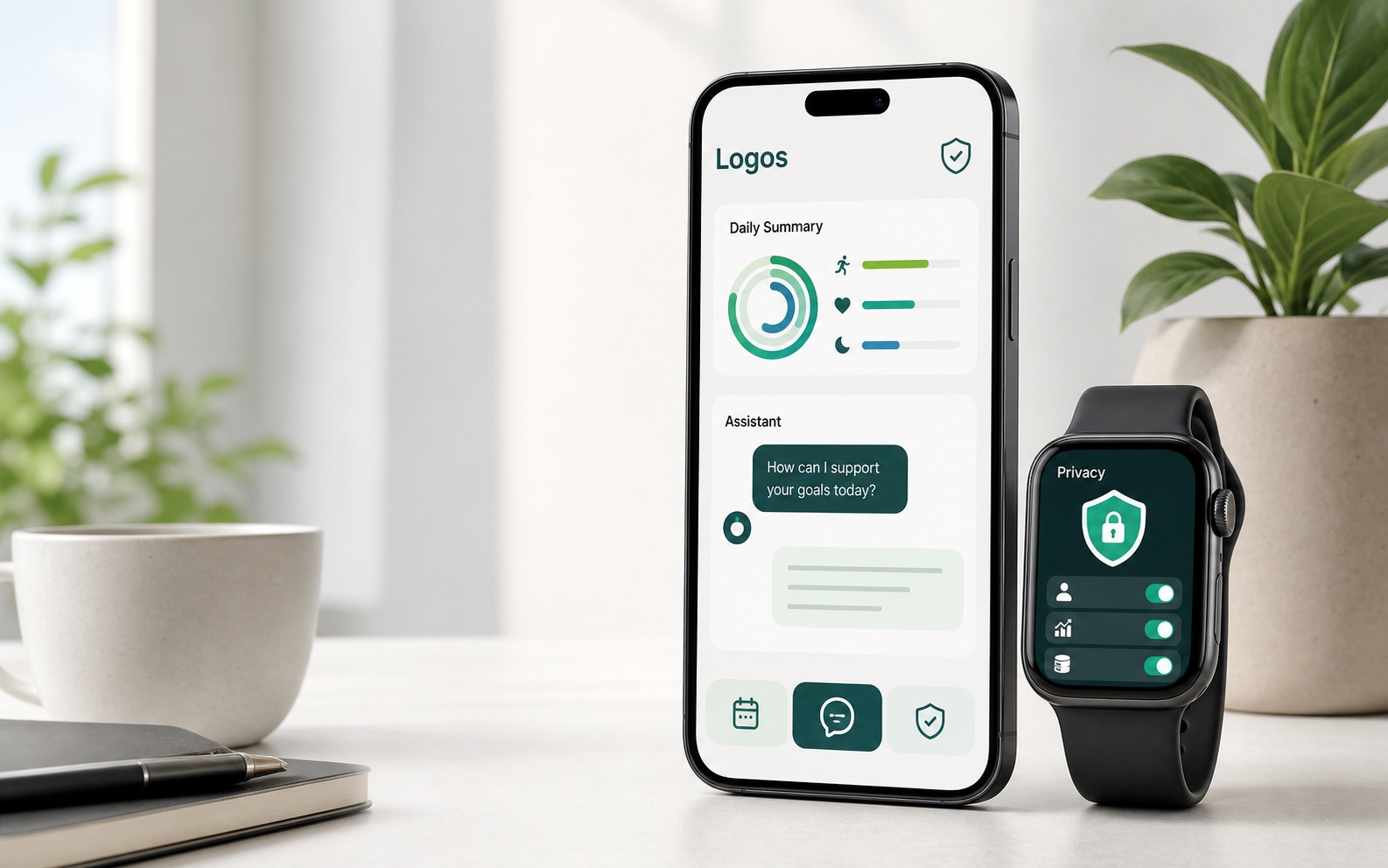
Health summaries, on your device
Your Apple Health data becomes a daily summary on your iPhone. Nothing goes to the cloud unless you approve that send — and Logos still works with cloud AI switched off entirely.
Product
Logos reads the Apple Health, Calendar and Reminders data you allow and prepares your daily wellness and planning context on your iPhone. See how Apple Health AI summaries are built.
Before the first send, Logos names the information in the request and who receives it, then asks you to choose. More on what makes it a private AI assistant.
Turn Cloud AI off in Privacy settings and nothing leaves the device for assistant requests. Your data is never sold, never used for advertising, and connected-app data is not used to train generalized AI models.
Memory and planning
Turn Memory on and the details, preferences, and goals you share are kept as personal context, so later conversations build on them instead of starting from a blank page. It stays off until you enable it, per area — more on how memory works.
Wellness routines and calendar context come together on Today into a plan for the day. See how calendar and daily planning fit together.
Trends put the metrics you permitted next to the summaries built from them, so a change in sleep or activity is something you notice rather than something you reconstruct later.
Plans
Free
Freelimited daily usage
Browse agents, try guest messages, and review how Logos handles permissioned context before subscribing.
Open WorkspacePremium
$19.99per month
Higher daily assistant and summary limits, plus signed-in workspace access for saved runs, installed agents, connected apps, and squads.
Pay with StripeQuestions
Not without your permission. The iOS app reads only the Apple Health, Calendar, Reminders, Location, Microphone, and Speech data you allow, and nothing is sent for Cloud AI processing until you approve it. Before the first send, Logos names the information included in the request and its recipients, then asks you to choose.
Approved requests go to the Logos backend and then to OpenAI, our third-party AI processor. Providers process the information only to deliver the service and are contractually required to protect it. Logos does not sell your information, does not use it for advertising, and does not use connected-app data to train generalized AI models. The privacy policy covers processing and your controls in full.
Yes. You can decline a send, revoke a permission you granted earlier, or disable Cloud AI entirely in the app's Privacy settings. Turning it off stops new assistant requests and their context from reaching the Logos backend or OpenAI, and supported local features keep working.
Gmail, Google Calendar, Google Drive, Slack, and Notion, authorized through Composio. Google Drive access is read-only, and Logos asks for confirmation before sending, creating, or changing anything in a connected service. OAuth tokens stay with Composio rather than Logos.
The free plan has limited daily usage: browse agents, try guest messages, and see how permissioned context works before subscribing. Logos Premium is $19.99 per month and raises the daily assistant and summary limits, adding signed-in access for saved runs, installed agents, connected apps, and squads. You can subscribe from inside the iOS app through Apple, or through Stripe web checkout; either way, signing in with the same Logos account restores Premium on your other devices.
Two separate things are going on. Within a conversation, earlier turns travel with each follow-up so the assistant can keep the thread; that is part of the request itself, not a setting. Remembering across conversations is Memory, which is off until you turn it on and can be enabled per area for general chat, health, and planning. Turning Memory off stops facts being saved or searched, but it does not clear a conversation already under way, so delete the thread or use the Cloud AI controls if you want that content gone too.
From the app you can export local data, delete local analysis and wellness history, reset local state, sign out, and request account deletion. Run history stays until you delete it or your account, apart from limited security, backup, billing, fraud-prevention, and legal records.
No. Logos is not a medical device and does not provide diagnosis, treatment, emergency support, or clinical monitoring. It is not intended for children under 13.
Logos is available in the United States. You can sign in with Apple or with an email address.
Launch
Premium is available as an in-app subscription through Apple, or through secure Stripe web checkout on the web. Logos is not a medical device and does not provide diagnosis, emergency support, or clinical monitoring.